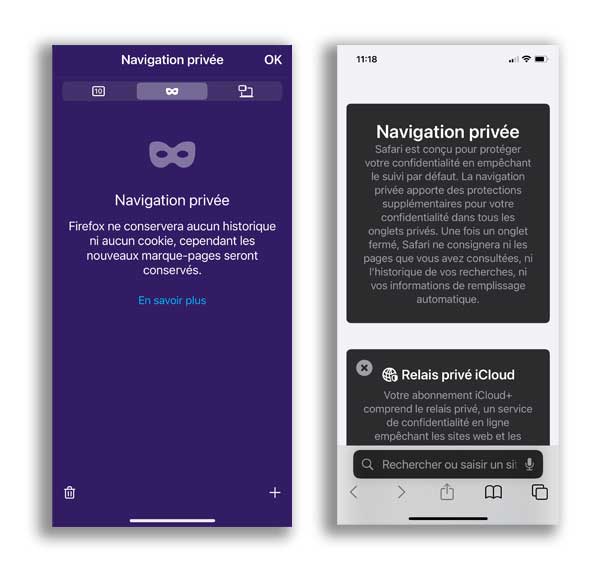
Private Browsing: Don't panic.
You may have seen this phrase before: “Private Browsing”, with a little mysterious icon (often a hat and glasses). And then, surprise: your computer asks for your password again, even though it usually fills it in automatically. You might think it's a problem, or worse… a hack? No worries, we’ll explain.
What is private browsing?
Private browsing is a temporary mode in your browser (Chrome, Firefox, Safari, etc.) that doesn’t save anything during your session. That means:
- No browsing history is saved.
- No login credentials are remembered.
- No cookies are kept.
Why wasn’t your password already there?
Simply because in this mode, the browser forgets everything it knows about you. Even if you’ve saved your credentials before, it won’t show them. It’s not a bug, and definitely not a hack. It’s just a neutral space that keeps nothing in memory.
What should you do?
If you didn’t mean to use private browsing, close the window (often purple or dark) and open a new regular window.
You’ll get back your usual browsing and saved information.
No need to change your password. It was just a little trip through a... discreet mode!
Ludwy R. JEAN PAUL
Firefox and Safari Private Browsing Screens on iOS (in french)